See it in action
Fourteen holiday photos renamed to date, place and number in under a minute.
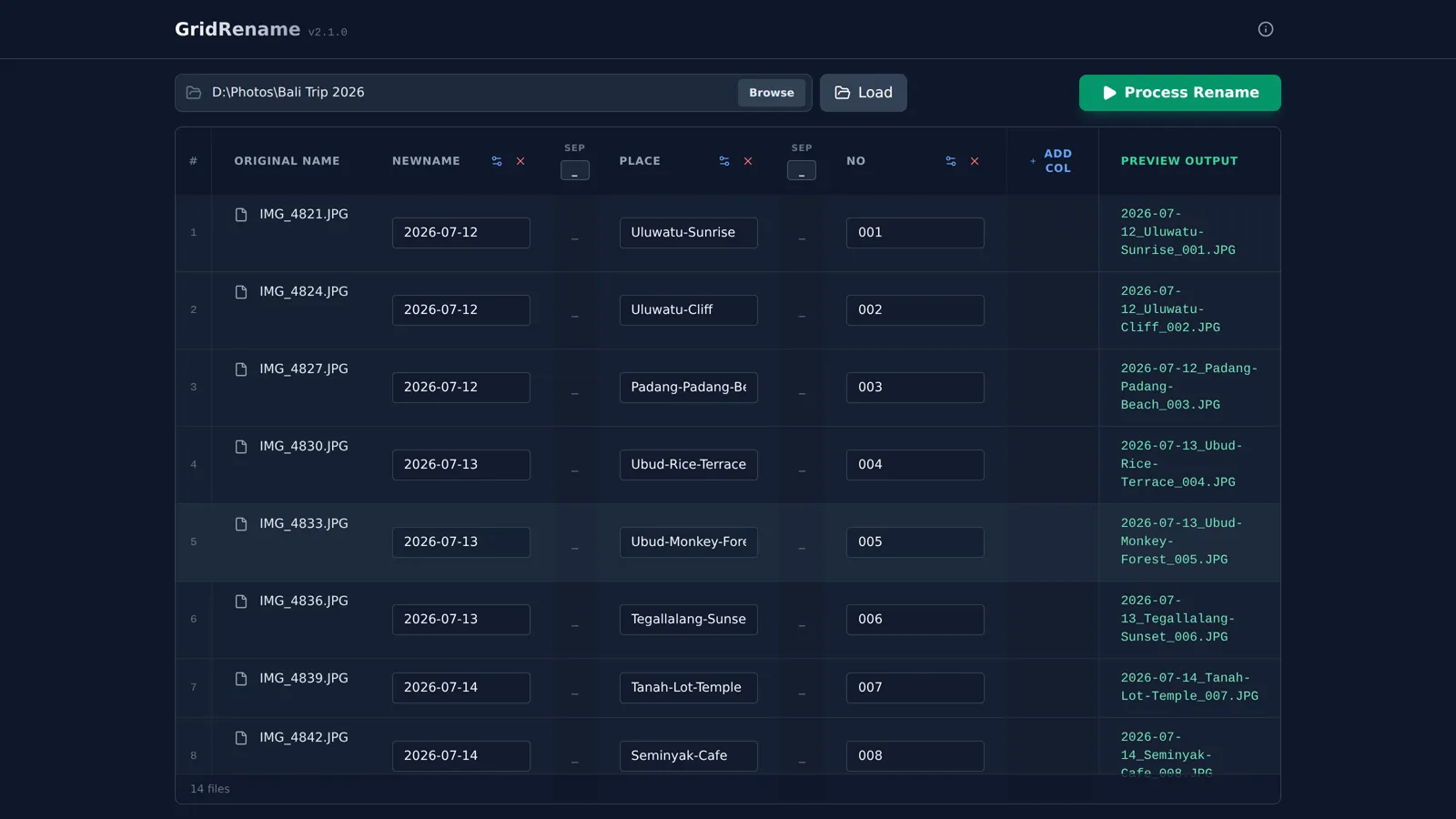
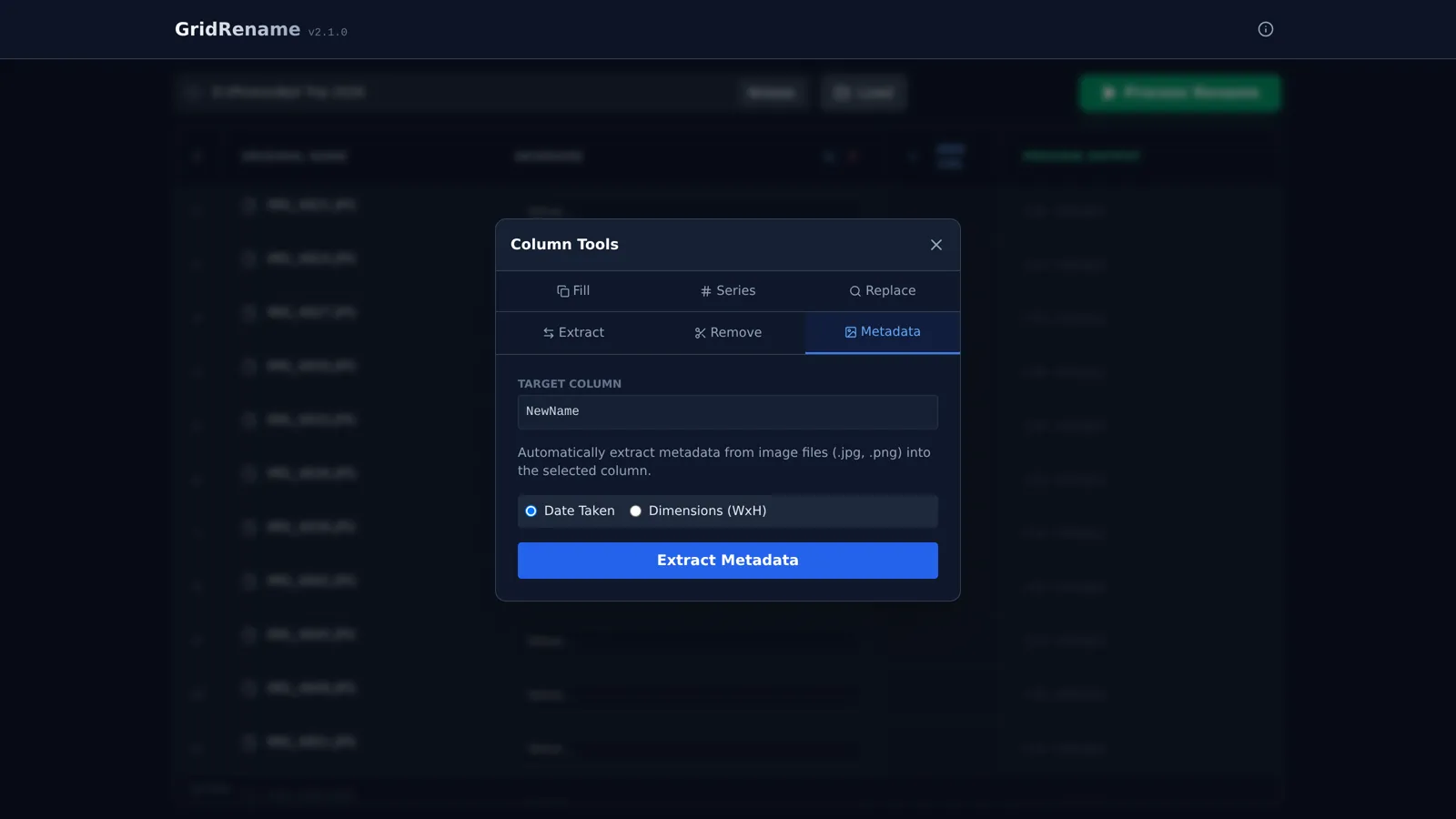
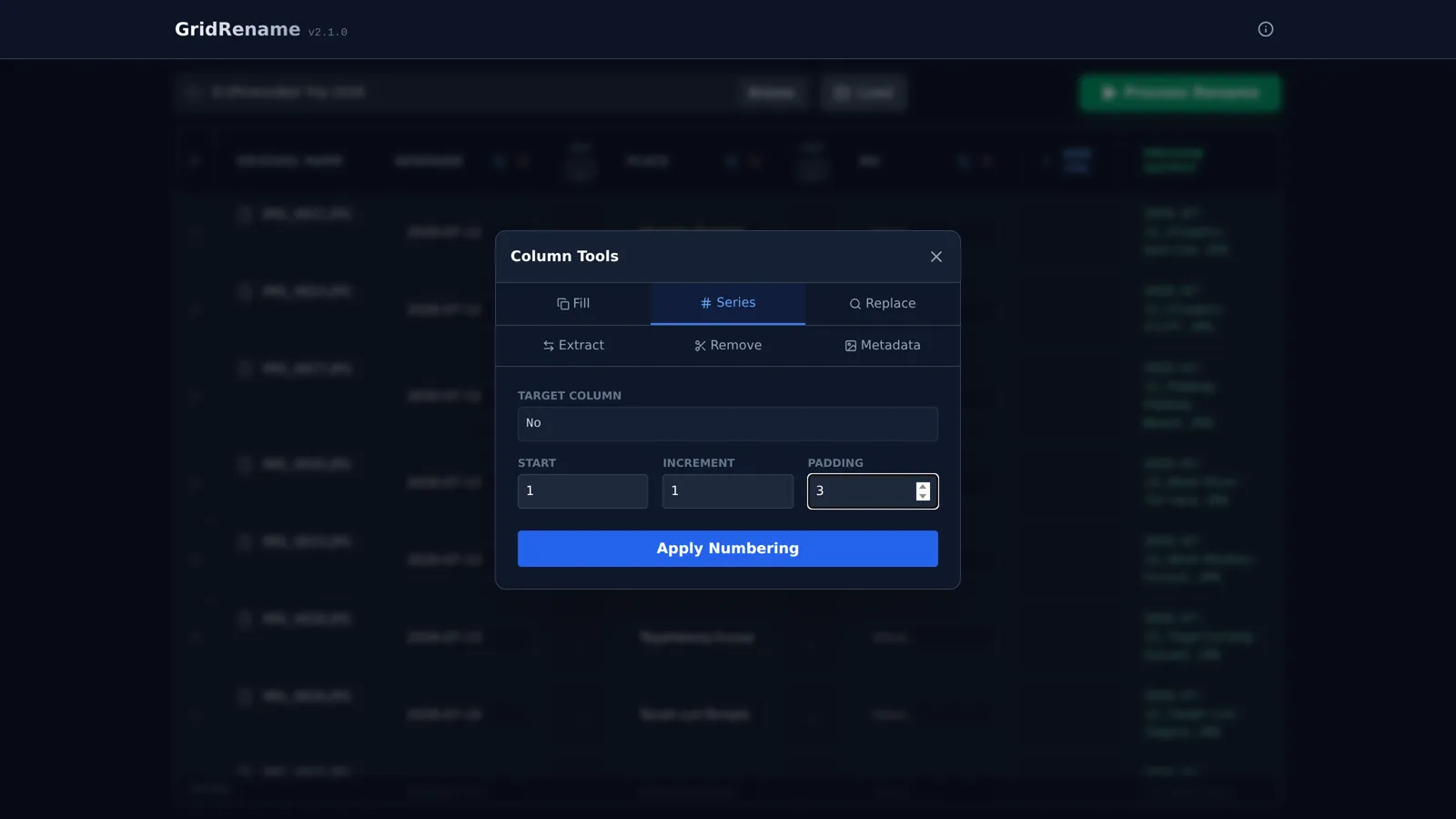
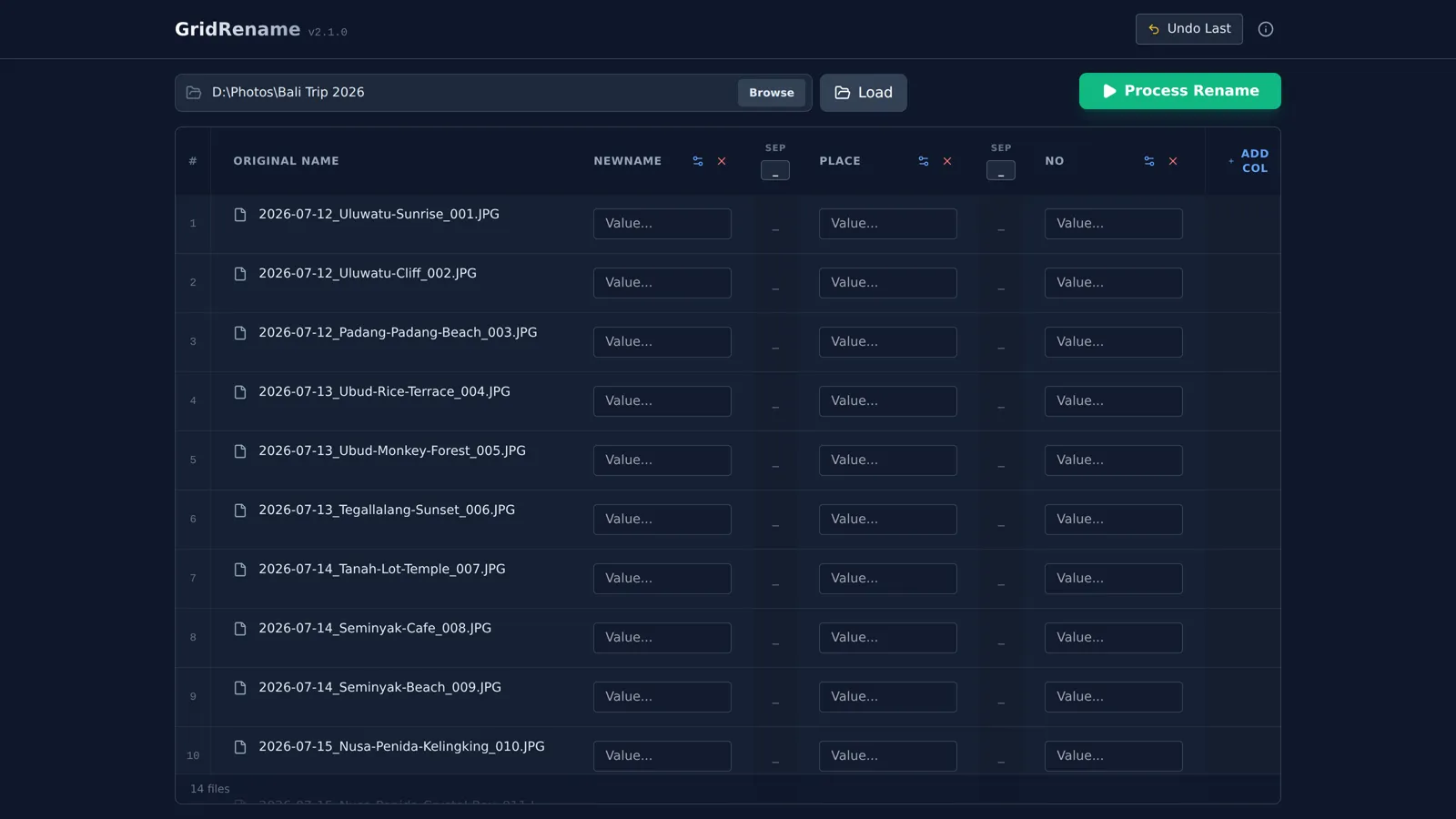
Paste names straight from Excel or Google Sheets, build file names from columns, check every result in a live preview, then rename everything in one click.
Free version renames up to 15 files at a time. Windows 10 and 11.If you can use a spreadsheet, you can use GridRename.
Every file appears in the grid, sorted naturally (IMG_2 before IMG_10).
Paste a list from Excel, add a running number, pull the date a photo was taken, or find and replace.
The preview shows the exact new name for every file. Click once to rename, and click Undo if you change your mind.
Built for photographers, office admins, archivists and anyone with a folder full of badly named files.
Copy a column of names from Excel or Google Sheets and paste it straight into the grid.
Combine date, place, client or number columns with the separator you choose.
See the final name of every file before anything is touched.
Numbering with start, step and zero padding (001, 002…), or one value for every row.
Use the date a photo was taken or its dimensions, read from EXIF.
Find and replace (with regex), or keep and cut characters from the left, right or middle.
Skips names that already exist, blocks invalid names, and undoes the last batch in one click.
Your files never leave your computer. No account and no cloud.
A native app built with Rust. A small installer that starts instantly.
Fourteen holiday photos renamed to date, place and number in under a minute.
Try everything that matters for free. Pay once for Pro, with no subscription.
No. GridRename works entirely on your computer. The only thing it sends over the internet is your license key, to check it with our payment provider Gumroad, plus a check for new versions.
You receive a license key by email right after purchase. In GridRename, click Upgrade to Pro, paste the key and click Activate.
Yes, one license works on up to 3 of your own computers. Getting a new computer? Email us and we'll reset your activations.
Yes. After activation, GridRename checks the license about once a week and keeps working for 30 days without internet.
Yes, the last batch can be undone with one click. GridRename also never overwrites an existing file.
Windows 10 and 11 (64-bit). macOS and Linux versions are planned.
Email us within 14 days of purchase for a full refund. See the refund policy.
Checkout is handled by Gumroad, which accepts credit and debit cards and PayPal.